Before you spend a dollar on a new website — or before you decide your current one is fine — run through this digital checklist honestly.
Not the way you look at your own site after years of familiarity, where you know where everything is and stop seeing what a first-time visitor actually experiences. The way a potential customer would look at it: cold, fast, on a phone, with three other tabs open and no patience for anything that makes them work.
This checklist covers the six areas that determine whether a local business website is working for the business or against it. Score yourself honestly. The results will tell you whether you need a full rebuild, targeted fixes, or whether you’re in better shape than you thought.
How to Score
For each question, answer yes or no.
Yes = 1 point. No = 0 points.
At the end, add up your score and use the key at the bottom to interpret it. Don’t overthink individual questions — go with your first honest answer.
Section 1: Design and Visual Credibility
Does your website look like it was built in the last three years?
Pull it up on your laptop and look at it the way you’d look at a competitor’s site you’d never seen before. Does the design feel current — clean layout, modern fonts, quality photography — or does it feel like it belongs to a different era of the internet?
Do the photos on your site show your actual business, team, or work — not stock images?
Generic stock photos of smiling people in generic settings tell a visitor nothing about you. Real photos of your actual premises, your actual team, and your actual work build the kind of trust that stock imagery can’t.
Does your site look consistent — same fonts, colors, and style across every page?
A site that looks like three different people built three different sections of it signals that nobody is in charge of the brand. Inconsistency reads as unprofessional even when visitors can’t articulate why.
Would you be comfortable sending a potential high-value client directly to your website right now?
This is the honest test. If the answer has any hesitation in it, that hesitation is worth paying attention to.
Does your homepage communicate what you do and who you serve within the first scroll?
A visitor who can’t figure out what your business does within the first five seconds of landing on your homepage is not going to dig deeper to find out. They’re going to leave.
Section 1 score: __ / 5
Don’t want to guess? Let our team audit your website for free.
Section 2: Mobile and Speed

Does your site load in under three seconds on a mobile connection?
Go to Page Speed Insight, enter your URL, and look at the mobile score. If it’s below 50 or the load time shown is above three seconds, this is a no.
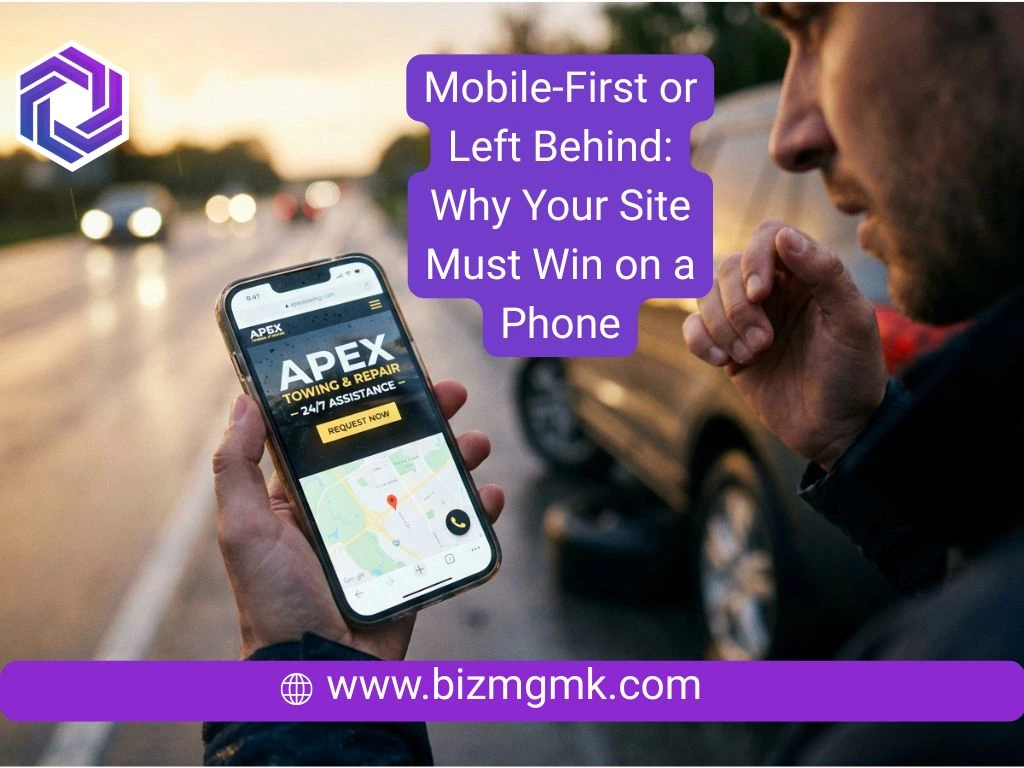
Is your site fully usable on a phone without pinching, zooming, or horizontal scrolling?
Pick up your phone and try to use your own site as a stranger would. Can you read the text without adjusting the zoom? Can you tap buttons without missing? Does everything fit within the screen width?
Is your phone number a tap-to-call link on mobile?
Tap your own phone number on your site. Does it immediately offer to call? If it’s just text someone has to manually dial, that’s a no.
Does your site pass Google’s mobile-friendly test?
Search “Google mobile friendly test,” enter your URL, and see what it returns. A fail here means Google has flagged mobile issues that are actively affecting your search rankings.
Do images load quickly without visibly popping in after the rest of the page?
Images that load late, flash in, or make the page jump around as they appear are a sign of unoptimized files. This affects both user experience and page speed scores.
Section 2 score: __ / 5
First impressions matter. If your design is actively costing you sales, it’s time to upgrade.
Section 3: Content and Trust
Is the copyright year in your footer the current year?
This sounds minor. It isn’t. A footer that says Copyright 2021 tells every visitor that nobody has looked at this site in four years. It’s one of the fastest credibility signals on a page and one of the most commonly neglected.
Are your business hours, address, and contact information accurate and easy to find?
Not just on the contact page — on the homepage too, and ideally in the header or footer so it’s visible without navigating anywhere. If a customer has to hunt for your phone number, some of them won’t.
Do you have genuine customer reviews or testimonials visible on the site — not just a link to Google?
Reviews embedded or quoted directly on your site build trust for visitors who haven’t gone looking for your Google profile. A testimonials section with real names and specific situations is more persuasive than a star rating linked elsewhere.
Is your content written clearly for customers — not full of industry jargon or vague marketing language?
“We provide comprehensive solutions leveraging cutting-edge methodologies” tells a customer nothing. “We fix leaking pipes, blocked drains, and hot water systems in the Northern suburbs, usually same day” tells them everything. Which does your site sound like?
Have you updated your site content in the last six months?
Stale content — old promotions still showing, team members who left two years ago still listed, services you no longer offer still featured — erodes trust and creates confusion. If the content doesn’t reflect the business as it is today, it’s working against you.
Section 3 score: __ / 5
A slow mobile site is a leaky bucket for your marketing budget. Stop losing clicks to competitors.
Section 4: Conversion and Leads
Does every page on your site have one clear call to action — not five competing options?
Count the number of things your homepage is asking a visitor to do. If there are more than two primary actions, attention is being split in ways that reduce conversion across all of them.
Can someone book an appointment, request a quote, or contact you in under 60 seconds from your homepage?
Time yourself. Homepage to completed contact form or booking. If it takes more than a minute, or if you hit friction anywhere in that journey, your customers are hitting the same friction.
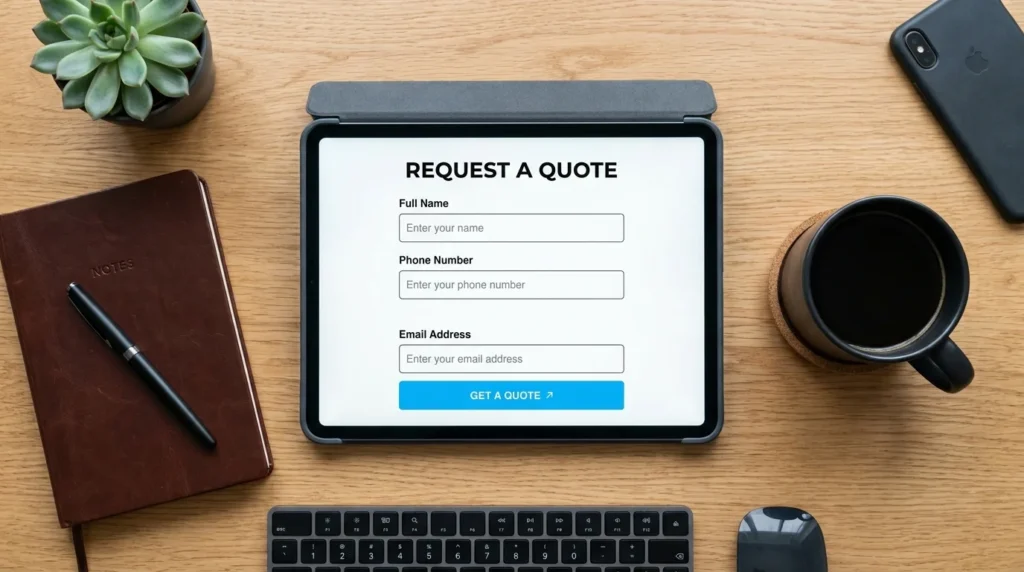
Is your contact form short — three to five fields maximum?
Name, phone number, and one optional message field is enough to initiate contact for most businesses. Every additional field reduces form completion rates. If your form asks for date of birth, insurance provider, and a detailed description of the problem before first contact, it’s too long.
Do you have a clear, prominent call-to-action button visible without scrolling on your homepage?
On both desktop and mobile, the primary action should be visible immediately — before any scrolling. If a visitor has to scroll past your header image, your welcome paragraph, and your services overview before they see a way to contact you, most won’t get that far.
Do you follow up on leads within the same business day?
This one isn’t about the website itself, but it affects whether the website investment pays off. A site that generates leads that sit in an inbox for 48 hours is not converting those leads. The website’s job ends at the inquiry. The business’s job starts there.
Section 4 score: __ / 5
Your website should be your best salesperson. If it isn’t building trust, it needs a revamp.
Section 5: Local SEO and Visibility
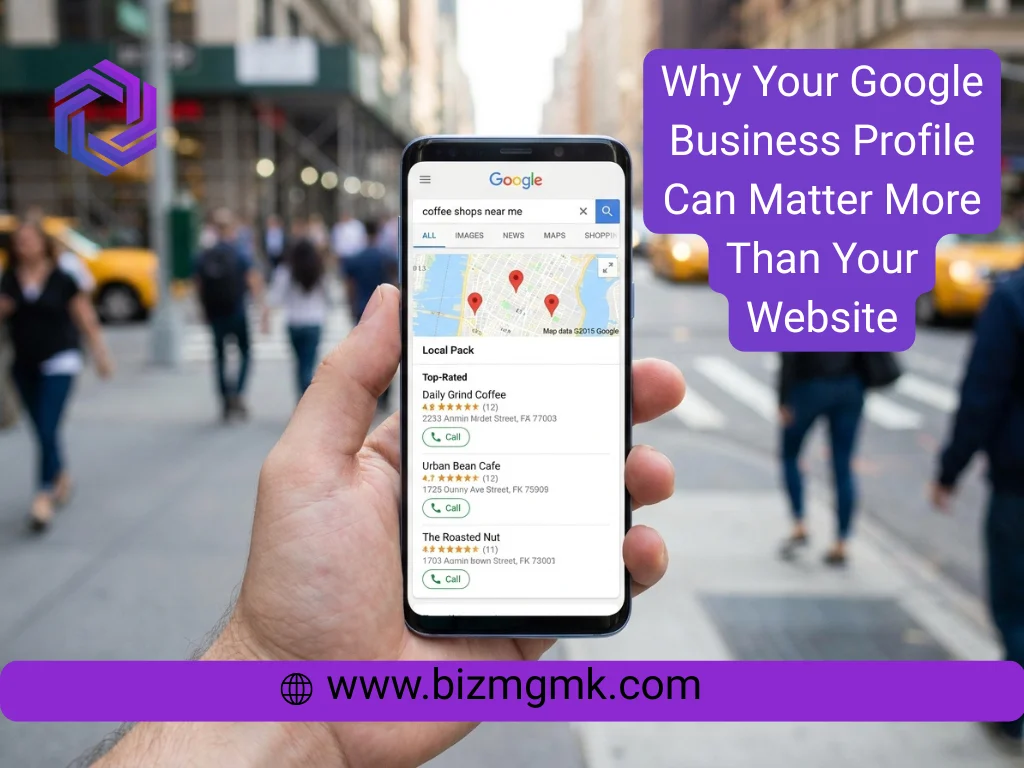
Is your Google Business Profile claimed, complete, and actively maintained?
Not just claimed — complete. Every service listed, hours current including public holidays, photos uploaded recently, business description written specifically for your category and location. And maintained meaning you’ve logged in and updated something in the last 60 days.
Does your site include your city or service area in the page titles and main headings?
A plumbing company whose homepage title is just “Smith Plumbing” is less visible in local search than one whose title is “Smith Plumbing — Emergency Plumber in [City].” The location signal needs to be in the content, not just assumed from the business address.
Do you have dedicated pages for your main services — not just one page listing everything?
A roofing company with a single services page listing seven types of roofing is competing for all seven keywords with one page. A roofing company with seven separate service pages — one for each type — has seven chances to rank, each with content specific to that service.
Is your business name, address, and phone number identical across your website, Google Business Profile, and all online directories?

Even small inconsistencies — abbreviated street names, old phone numbers, slight variations in the business name — create conflicting signals that dilute local search authority. Check that every listing matches exactly.
Do you have at least 20 Google reviews, with new ones coming in regularly?
Volume and recency both matter for local pack rankings. Twenty reviews is a minimum baseline for competitive local search visibility in most service categories. If your most recent review is from eight months ago, recency is a problem regardless of total count.
Section 5 score: __ / 5
Traffic without conversions is just an expense. Turn your passive website into a 24/7 lead machine.
Section 6: Technical Basics
Does your site use HTTPS — the padlock icon in the browser address bar?
A site without HTTPS shows as “Not Secure” in some browsers and is penalized in Google’s ranking algorithm. If your site still runs on HTTP, this is a foundational issue.
Are there any broken links or 404 errors on your site?
A page that returns a 404 error is a dead end for both visitors and Google. Use a free tool like Broken Link Checker or simply navigate your own site and click every link. Broken links signal a neglected site to both users and search engines.
Does your site have a sitemap submitted to Google Search Console?
A sitemap tells Google what pages exist on your site and helps it crawl them efficiently. If you’ve never set up Google Search Console or submitted a sitemap, there’s a chance some of your pages aren’t being indexed at all.
Is your site built on a platform you can update yourself without calling a developer?
If changing your hours, adding a new service, or publishing a blog post requires an external developer and a fee, the site is costing you money and agility every time your business changes. A site you can manage yourself is a business asset. One you can’t is a dependency.
Has your site been checked for security vulnerabilities in the last 12 months?
WordPress sites especially accumulate plugin vulnerabilities over time. A site that hasn’t had a security audit or update review in over a year is at risk of being compromised — which can result in your site being flagged as dangerous by Google, effectively removing it from search results overnight.
Section 6 score: __ / 5
Your Total Score: __ / 30
Falling behind competitors on Google Maps? Let’s rebuild your local search foundation from the ground up.
What Your Score Means
25 to 30: Your site is in solid shape across the fundamentals. The priority now is not fixing problems but optimizing — improving conversion rates, building content, and staying ahead of competitors who are investing in theirs. Consider a targeted review of your lowest-scoring sections.
18 to 24: There are real gaps, but the site isn’t beyond repair. Identify the sections where you scored lowest and address those first. Mobile performance and conversion issues in this range are often fixable without a full rebuild. A professional assessment will tell you whether targeted fixes are enough or whether a redesign makes more financial sense.
10 to 17: The site has multiple significant problems across several categories. Patching individual issues without addressing the underlying structure will produce limited results. A rebuild is likely the more cost-effective path — fixing a site this far behind tends to cost more than replacing it, and produces a worse outcome.
Below 10: The site is actively working against the business. Every week it stays as-is is a week of lost customers, depressed rankings, and wasted ad spend if you’re running any. A full redesign isn’t optional at this point — it’s overdue.
What to Do With Your Results
If you scored well in some sections and poorly in others, that’s useful information. It means the problems are specific and addressable — not systemic. Mobile and speed issues in isolation are a technical fix. Content and trust issues in isolation are a content project. Local SEO gaps in isolation are a GBP and on-page project.
If you scored poorly across most sections, the site needs to be approached as a whole rather than a list of individual fixes. Each problem reinforces the others — a slow site with weak trust signals and no clear call to action isn’t three separate problems, it’s one site that wasn’t built to convert.
The checklist tells you where you are. What you do with that information determines where you end up.