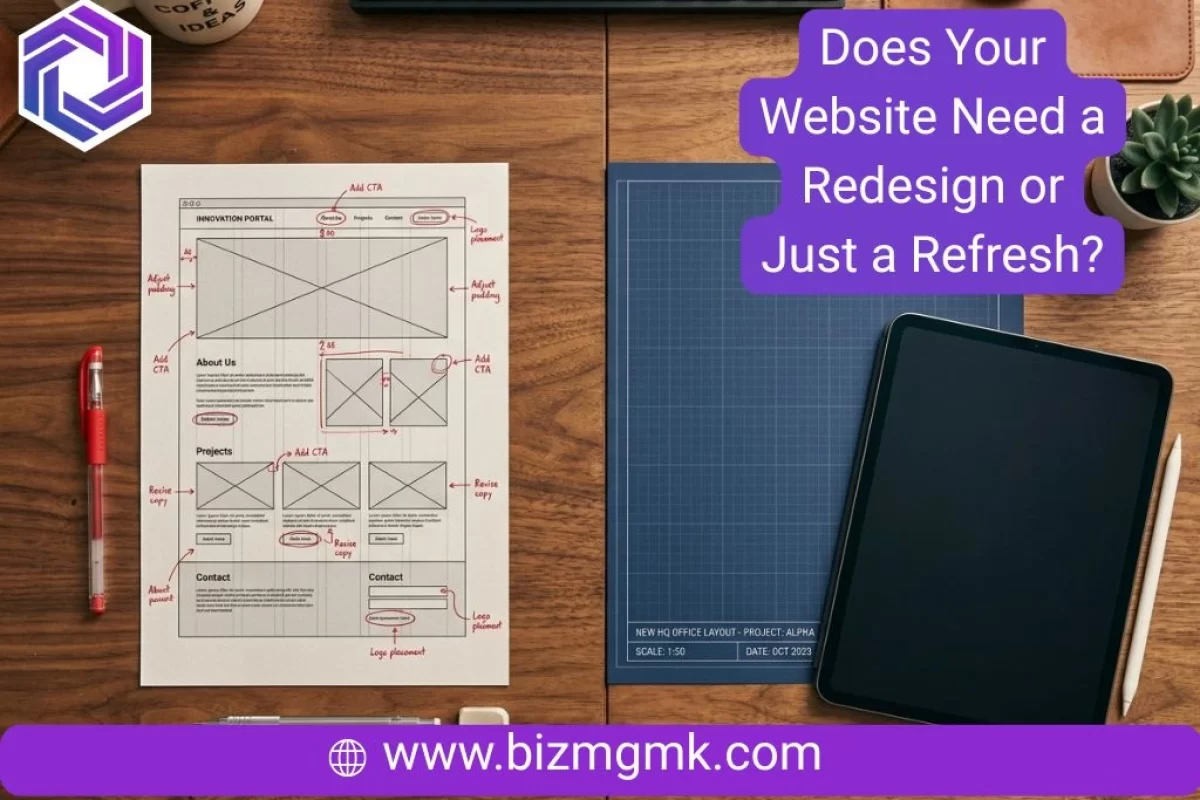
This is the question most business owners avoid asking because they’re afraid of the answer. Either they’ll find out the site needs replacing and they’ll have to spend money they weren’t planning to spend, or they’ll be told it’s fine when they already know it isn’t.
Here’s the more useful framing: a site that genuinely needs a full rebuild and doesn’t get one costs you customers every month. A site that only needed a refresh and gets a full rebuild costs you money you didn’t need to spend. Getting this diagnosis right matters.
The good news is that the signs pointing toward each outcome are fairly clear once you know what to look for.
Signs You Probably Just Need a Refresh
A refresh means targeted updates to an existing site that’s structurally sound. The foundation is fine — what’s showing its age is the surface.
The design looks dated but the layout still works. Fonts, colors, button styles, and photo quality age faster than most people expect. A site from 2019 with a solid structure might just need updated typography, a cleaner color palette, new photography, and tightened spacing to look current again. The bones are good. The aesthetic needs updating.
The content is stale but the pages are in the right places. If your services page lists things you no longer offer, your about page has team members who left two years ago, and your homepage still references a promotion from last winter — that’s a content problem, not a structural one. Update the copy, refresh the images, and the site does its job again.

A few things are broken but the rest works. A contact form that stopped submitting, a broken link on the services page, a plugin that’s conflicting with something and causing a layout glitch on one page — these are maintenance issues, not redesign triggers.
Your mobile experience is weak but the desktop site is solid. Sometimes a site built primarily for desktop can be made mobile-responsive without touching the design at all. If the underlying platform supports it, this is a configuration fix rather than a rebuild.
You’re getting some traffic and some leads but the conversion rate is low. If people are finding you and spending time on the site but not contacting you, that’s often a conversion optimization problem — button placement, call to action clarity, form length — rather than a reason to rebuild everything.
Signs You Probably Need a Full Redesign
A redesign means building new. The existing site isn’t a foundation to work from — it’s a liability to move away from.
The site was built on a platform or framework that no longer supports what you need. Old Flash-based sites, sites built on deprecated platforms, WordPress installations so out of date they can’t be safely updated, or sites built on proprietary systems by a developer who’s no longer around — these can’t be patched into working well. The technical debt is too deep.
It fails completely on mobile and can’t be fixed without rebuilding. Some older sites were built with fixed-width layouts that simply cannot be made responsive. Every mobile fix creates a new problem somewhere else. At that point you’re spending rebuild money on a result that’s still worse than starting fresh.
The business has changed significantly but the site hasn’t. A law firm that’s shifted its practice areas. A clinic that’s added services and locations. A contractor who’s moved upmarket and now competes for different clients. When the site no longer reflects what the business actually is, a refresh that updates content while keeping the old structure sends mixed signals. The site needs to be rebuilt around what the business is now, not what it was when the site was first made.
The site is actively hurting your credibility. There’s a threshold past which dated design doesn’t just look old — it looks like the business is struggling or closed. If you’re embarrassed to send people to your website, that’s the clearest possible signal. A refresh won’t fix a fundamental credibility problem. The site needs to be something you’re willing to share.
You’re competing against businesses with significantly better sites and you’re losing. In competitive local markets — roofing, dental, legal, fitness, medical — your website is part of how customers assess you against alternatives. If your competitors’ sites look like they belong to serious businesses and yours looks like a side project, no amount of patching closes that gap.
The structure makes it impossible to update content yourself. If adding a service, publishing a blog post, or changing your hours requires calling a developer and paying for it, the site was built wrong. A redesign fixes this by building on a system you can actually manage.
The Real Cost Difference

A refresh typically costs between $300 and $1,500 depending on how much needs updating and who does the work. It’s faster, lower risk, and the right call when the site’s foundation is sound.
A redesign for a small to mid-size business typically costs between $2,000 and $5,000 built properly. It takes longer, requires more input from you, and involves more moving parts — but it produces a site built for what your business needs now, not five years ago.
The mistake owners make is treating these as equivalent options where one is just cheaper. They’re not. A refresh on a site that needed replacing is money spent delaying an inevitable cost while continuing to lose customers. A redesign on a site that only needed a refresh is overspending on a problem that didn’t exist.
The decision should follow the diagnosis, not the budget.
What’s Worth Keeping
Even when a full redesign is the right call, there are things from the existing site worth preserving.
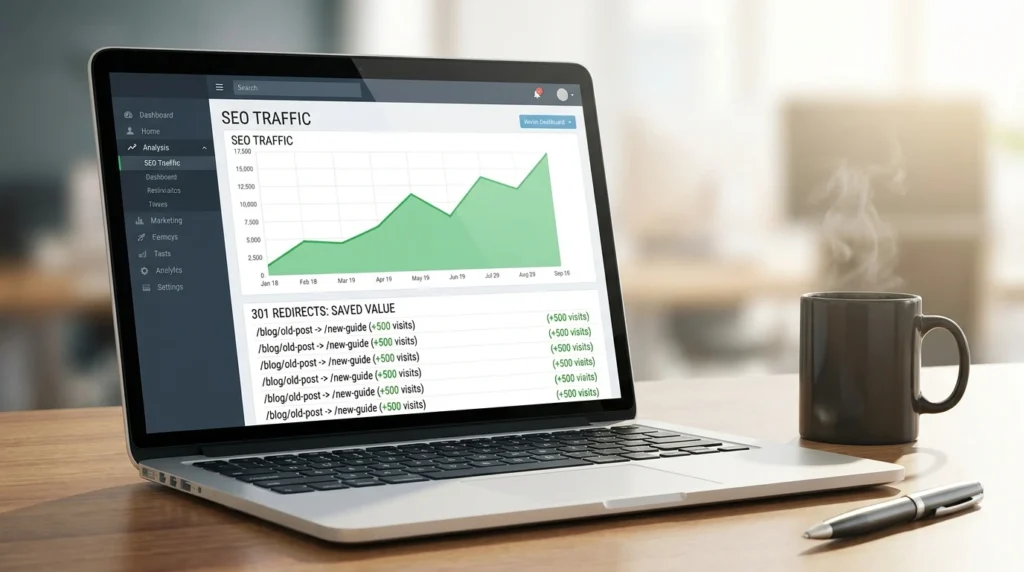
Your domain and URL structure. If your site has been indexed by Google for years, your existing URLs have accumulated some ranking value. A redesign that changes all the URLs without proper redirects can wipe out years of SEO progress overnight. A good developer will map old URLs to new ones with 301 redirects so that ranking value transfers.
Existing content that ranks. If any of your pages currently show up in Google searches and bring in traffic, that content is an asset. It should be carried forward into the new site, improved where possible, and kept at the same URL or properly redirected.
Your Google Business Profile links and citations. Everywhere your website URL appears — your GBP, directories, social profiles, other sites — needs to keep working after a redesign. If the URL changes or pages disappear, those links break and you lose the local SEO value they carried.
Testimonials and reviews you’ve collected. If you have genuine customer testimonials on the existing site, save them. They belong on the new site too, and they’re harder to collect than people realize until they have to start from zero.
How to Decide With Confidence
Work through these questions honestly.
Is the site structurally broken or just showing its age? Broken structure means rebuild. Aged appearance means refresh.
Can it be made mobile-friendly without a rebuild? If yes, that’s a strong argument for refreshing. If no, that’s a strong argument for rebuilding.
Does the site reflect your business accurately today? If it’s significantly out of date with what you do, who you serve, and how you position yourself, a refresh won’t fix that — the structure needs to change.
Are you embarrassed to share it? If yes, a refresh probably won’t fix the problem. Embarrassment usually comes from something more fundamental than outdated fonts.
What are your competitors doing? Pull up the top three results for your main service in your area and look at their sites. If they’re in a different league, you already have your answer.
Is the platform manageable? If you can’t update your own site without calling a developer, that alone is worth rebuilding to fix.
If you answered “refresh” to most of these, start with targeted updates and see what they do for your conversion rate. If you answered “rebuild” to most of them, the longer you wait the more customers you’re sending to whoever came up next in the search results.
Getting an Expert Eye on It
The honest challenge with this decision is that it’s hard to be objective about something you’ve been looking at for years. You’ve stopped seeing your site the way a new customer sees it.
A fresh assessment from someone who looks at dozens of sites across different industries every week will tell you quickly whether what you have is worth building on or whether you’re better off starting fresh. Not a sales pitch — a straight read on where you actually stand.