Most local business owners spend all their energy on their website. The GBP gets claimed once, left mostly empty, and forgotten. That’s backwards.
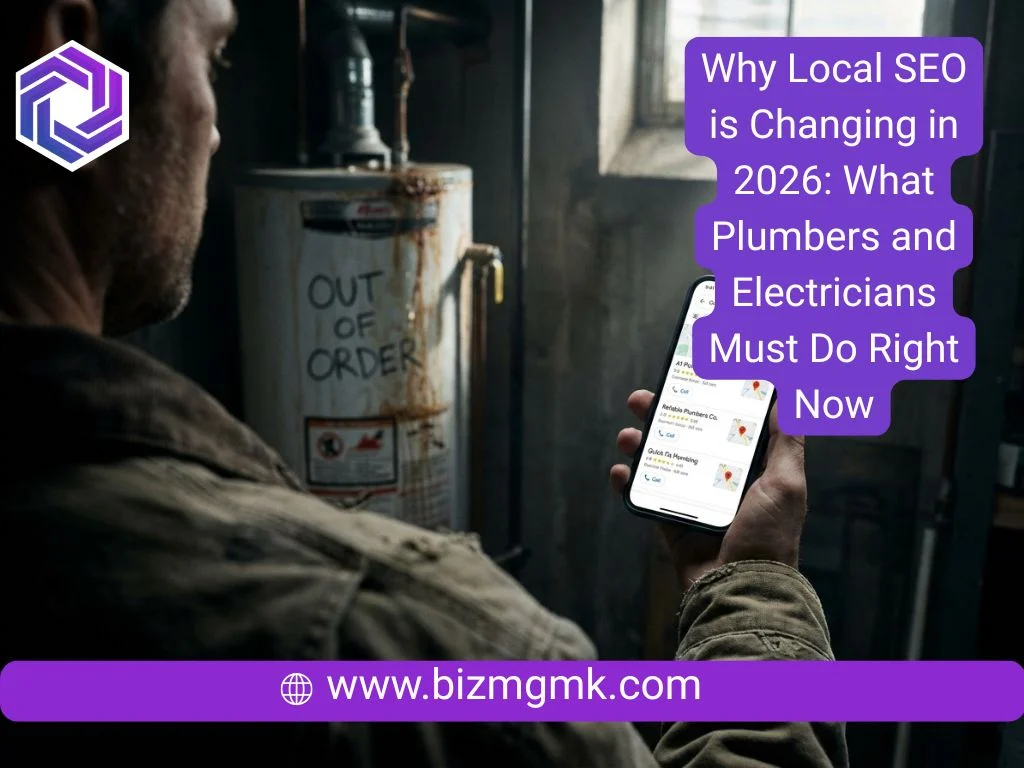
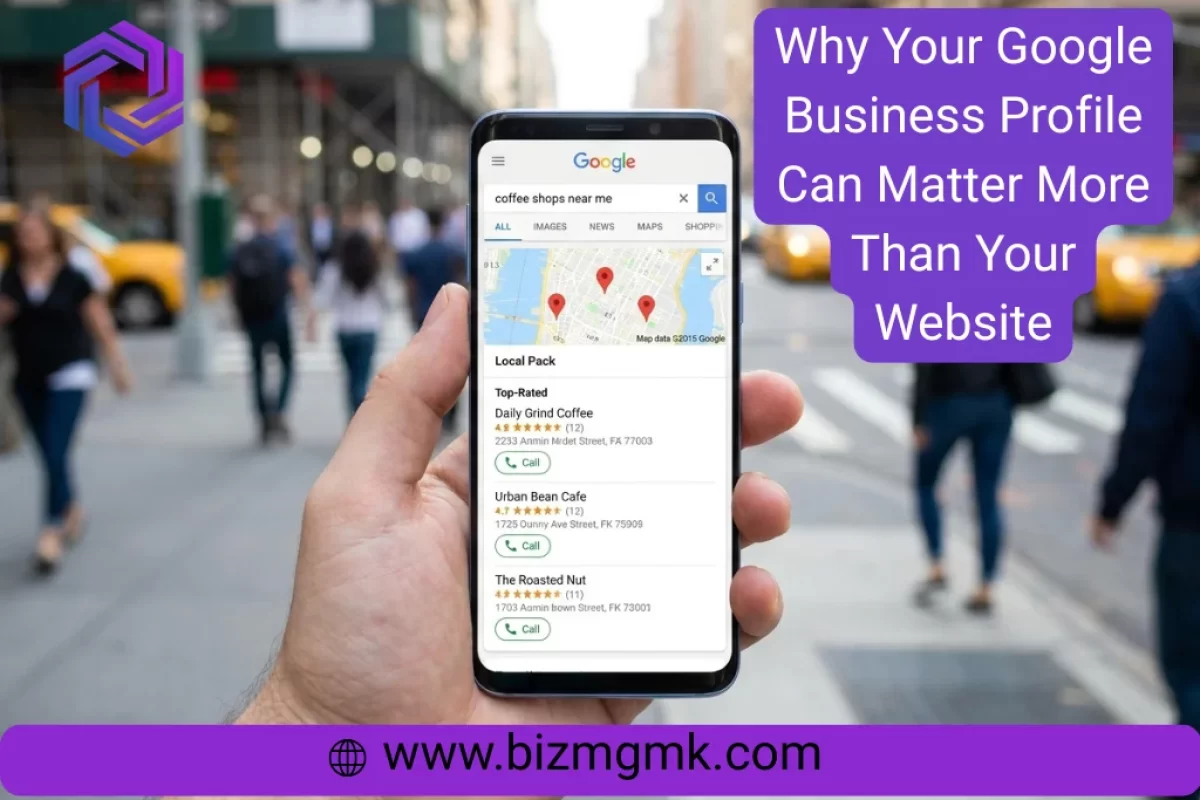
When someone searches “electrician near me” or “best dentist in [city],” they don’t see websites first. They see the map pack — three business listings with ratings, photos, hours, and a call button right there on the results page. The website is one more click away. The profile is already in front of them.
For many local businesses, the GBP drives more calls than the website does. And most of them don’t even know it.
What Actually Shows Up First
Google’s local search results put the map pack above everything — above organic results, often above ads. A business with a strong profile and solid reviews will get more visibility there than a competitor with a better website who ignored their GBP.
The profile shows your hours, your photos, your rating, directions, and a click-to-call button. A customer can decide to call you without ever touching your website. That’s either working for you or against you, depending on how complete your profile is.
Claiming and Completing Your Profile
If you haven’t claimed your Google Business Profile, someone else might have — or Google auto-generated a bare-bones one that has wrong information on it. The first step is claiming it at business.google.com and verifying ownership.
Once you’re in, fill everything out. Not the basics — everything. Business category, service areas, hours including holidays, phone number, website link, products or services listed, business description. Google rewards completeness. Gaps in your profile hurt your local ranking and make you look unreliable to customers.
Pick your primary category carefully. It carries more weight than most people realize. “Plumber” and “plumbing contractor” are different categories and pull different searches.
Why Reviews and Photos Drive Actual Calls
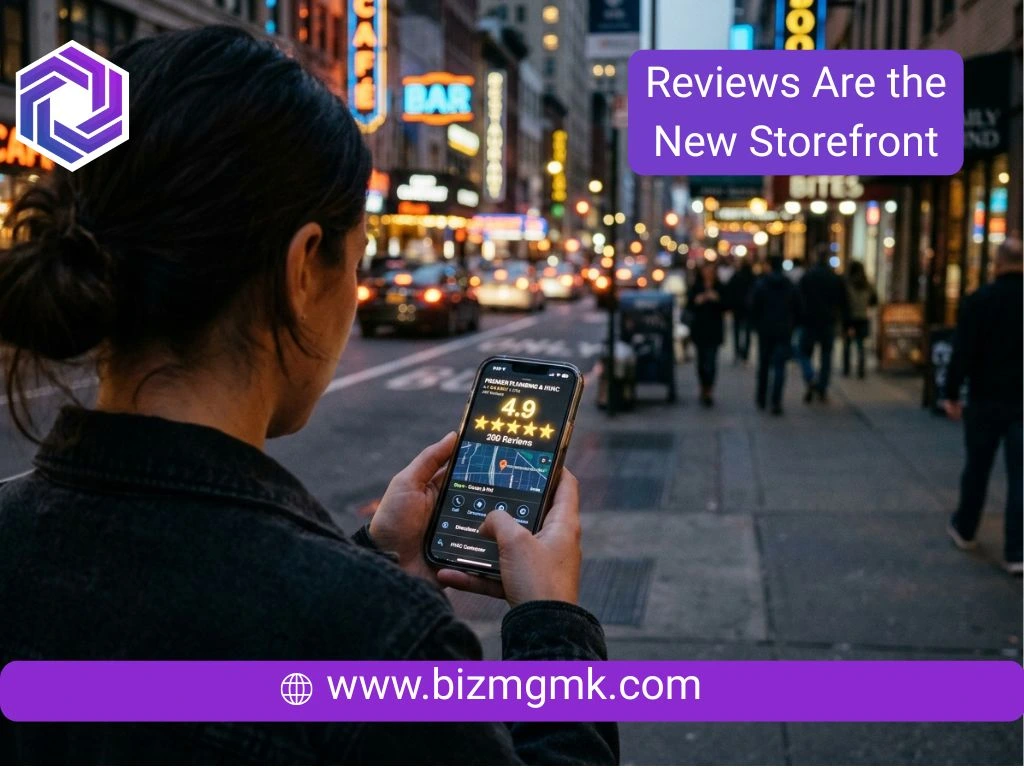
Your star rating is visible before anyone clicks anything. A business with 4.8 stars and 90 reviews looks more trustworthy than one with 4.9 and 6 reviews. Volume matters.
Photos matter more than most owners expect. Google profiles with photos get significantly more direction requests and website clicks. Add real photos — your team, your shopfront, your work in progress, finished jobs. Not stock images. Customers can tell.
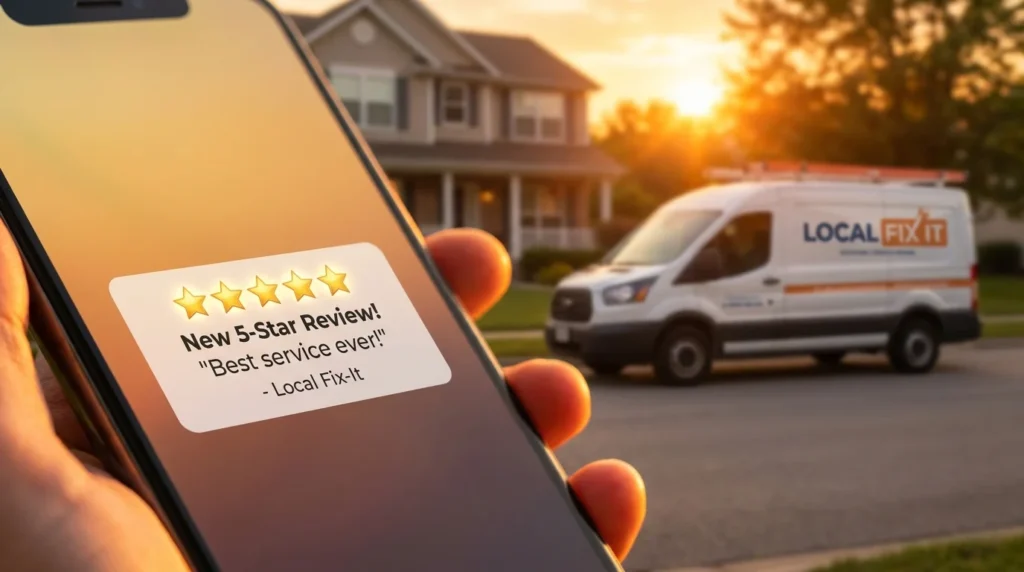
The review response matters too. A business that responds to every review — including the bad ones, calmly and professionally — signals that there’s a real person behind the listing who takes it seriously. Ignoring reviews reads as indifference.
Posts and Updates
Most business owners don’t know GBP has a posts feature. You can publish updates, offers, and announcements that appear on your profile. These aren’t widely seen but they do two things: they show Google your profile is active, and they give customers something current to look at when they land on your listing.
Post once a week if you can. Even just a photo of a recent job with two sentences. It takes five minutes and keeps the profile from looking dormant.
How the Profile and Website Work Together
These aren’t competing. A strong GBP gets people to notice you. A good website closes the decision.
The profile should link to your website, and your website should have your NAP — name, address, phone number — written out in plain text, matching exactly what’s on your GBP. Inconsistencies between the two confuse Google and can hurt your local ranking.
If you have multiple locations, each one needs its own GBP with its own address and phone number. One profile for multiple locations doesn’t work.

Common Mistakes
Leaving the profile on the category Google auto-assigned instead of picking the right one. Using a PO box as the address when you serve customers at their location (Google flags this). Adding a tracking number as your main phone number without setting it up correctly. Not removing outdated hours during holidays, leading to customers showing up when you’re closed and leaving a bad review about it.
And the biggest one: claiming the profile, filling it out once, and then never touching it again. The algorithm favors active profiles. So do customers.
What to Do Next
Search your own business name right now and look at what comes up. Does the map pack show you? Is the information correct? Do you have photos? How many reviews do you have, and when was the last one?
If the answer to any of those is uncomfortable, the profile is probably costing you calls.